 Markdown Ed
Write in Markdown. Hand over Word and PDF.
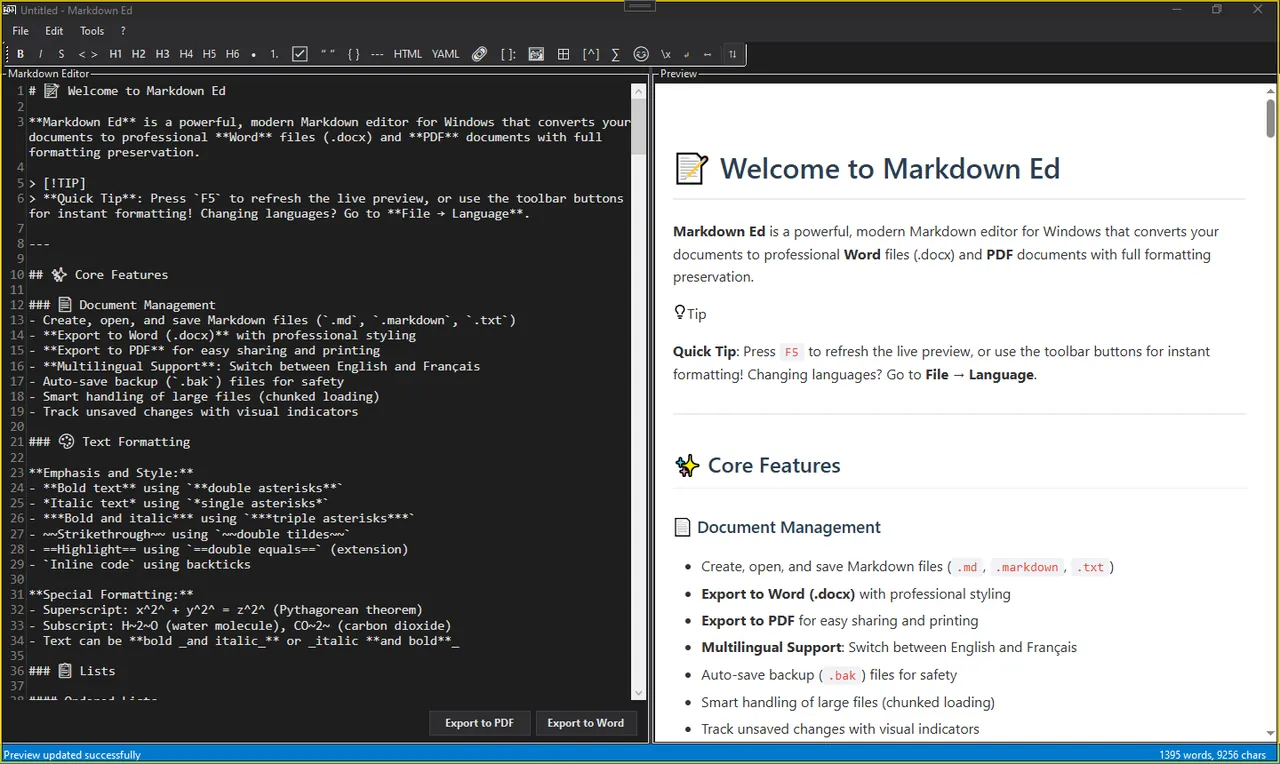
A Windows editor with live diagrams, LaTeX math and syntax highlighting, built to export documents that look finished.
Windows desktop app, available on the Microsoft Store. Also on Android.
- 180+
- languages with syntax highlighting
- 0
- documents uploaded. Processing happens on your PC
- 5
- page sizes, from A4 to 6×9 paperback
- 2
- interface languages on Windows: English and French. Android has 10
New on Android
Markdown Ed for Android
Your Markdown editor in your pocket, with live preview, LaTeX math, Mermaid diagrams and an optional Gemini AI assistant.
- Split, editor and preview modes, in portrait and landscape
- Five themes and 10 interface languages
- Print to PDF, share, or link a file in your cloud storage
- No ads and no account
Paid app for Android phones.
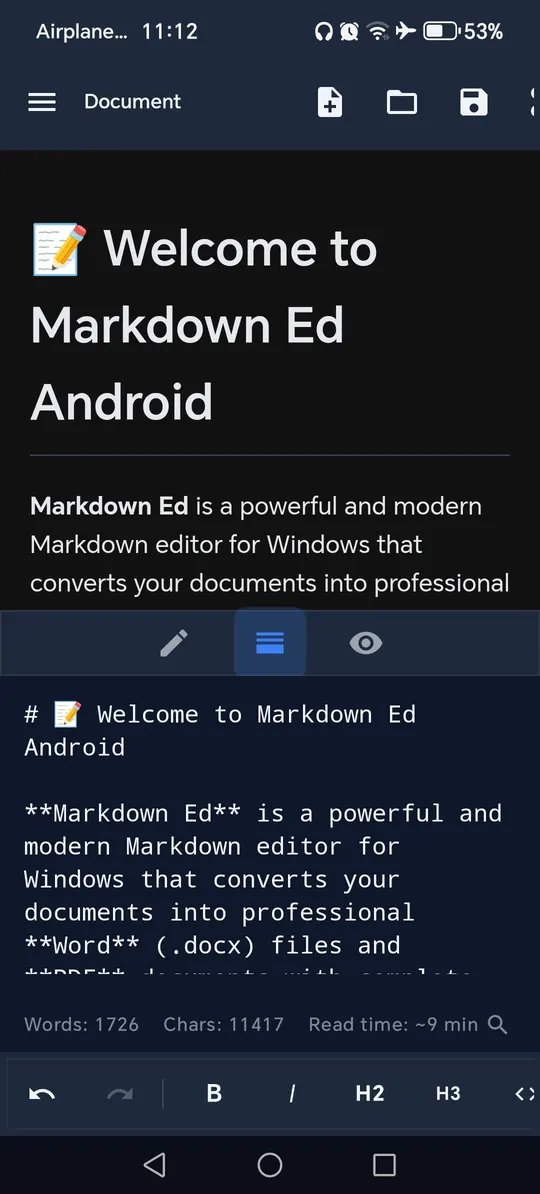
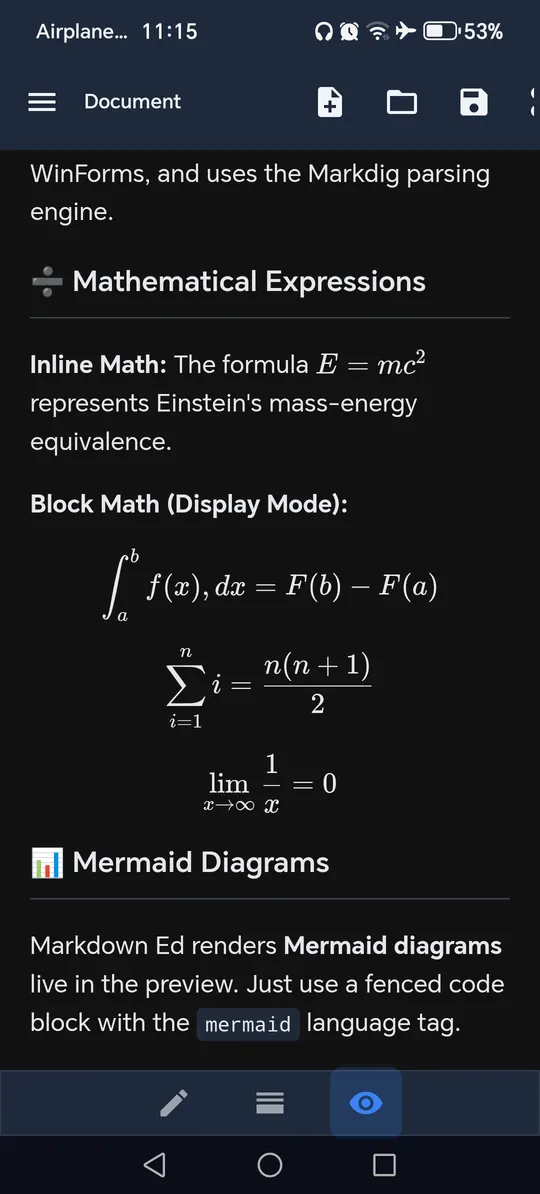
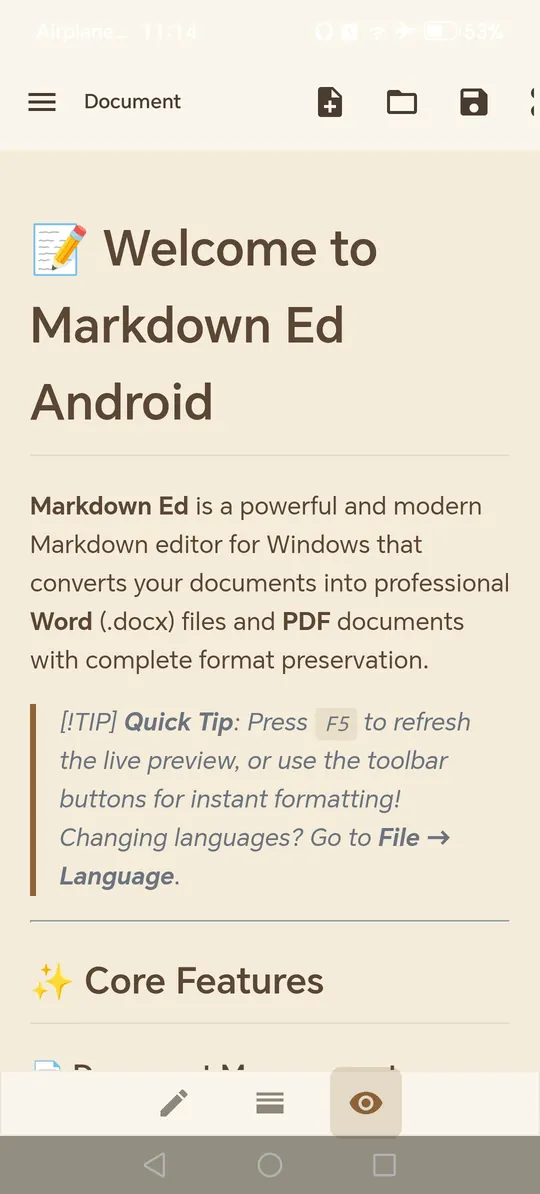
Write, preview, export
One editor for the whole job, from first draft to a document you can send.
Write
Live preview, Mermaid diagrams, LaTeX math, 180+ highlighted languages and a visual table editor.
See all featuresYour next document starts as plain text
Install from the Microsoft Store and export your first page in minutes.