 Markdown Ed
 for Android
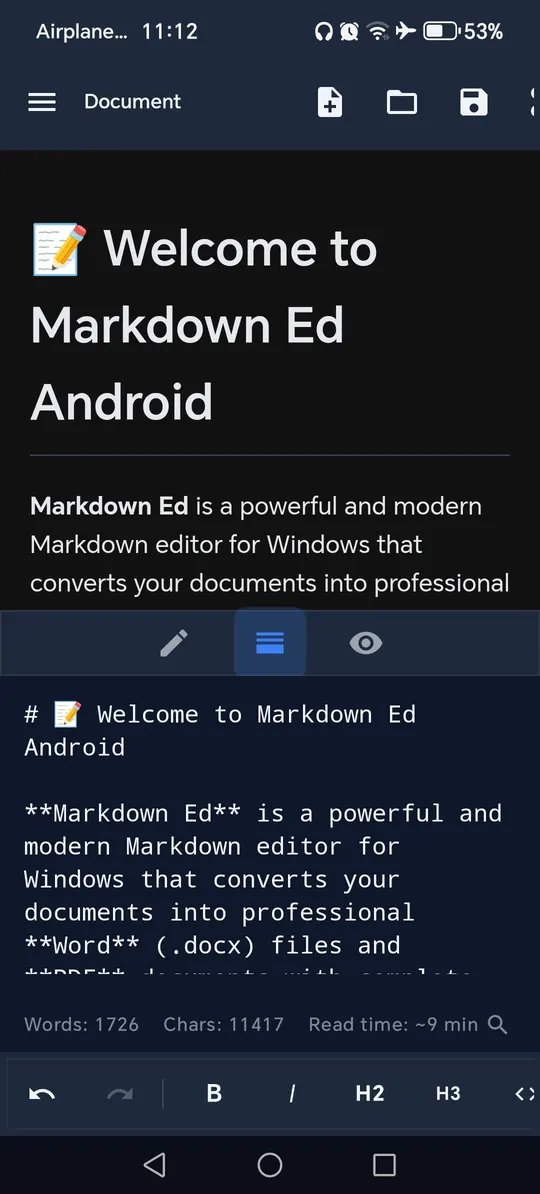
Write Markdown on your phone with live preview, LaTeX math, Mermaid diagrams and an optional Gemini AI assistant. A paid app with no ads and no account.
Looking for the desktop app? See Markdown Ed for Windows.
See it on your phone
Real screenshots from the app. Swipe to see more.
What is inside
Everything you need to write, check and share Markdown notes.
Write and preview
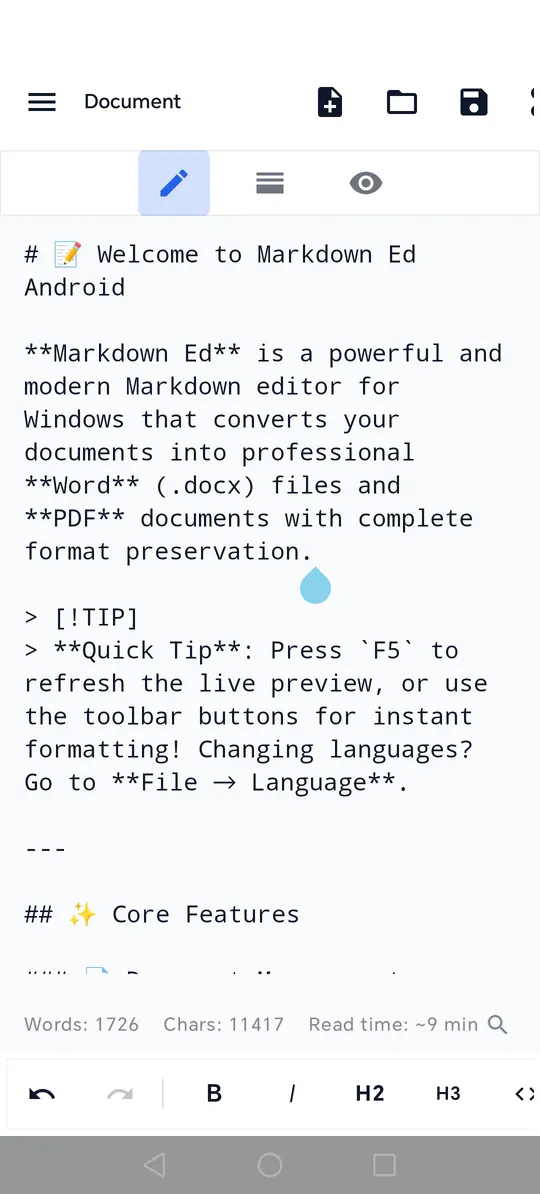
- Live preview, with editor, preview and split modes
- Toolbar for headings, bold, italic, links, images, code blocks, bullet lists and checklists
- Table generator and table of contents from your headings
- Search, replace and replace all
- Undo and redo
- Markdown cheat sheet
- Word count, character count and reading time
Math, diagrams and code
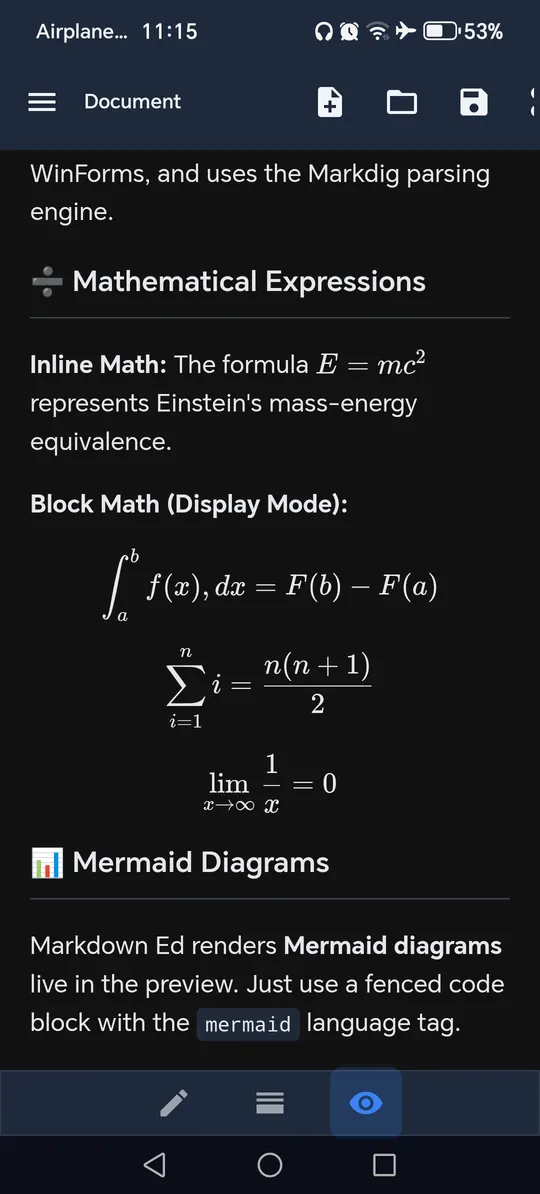
- LaTeX math, inline and block, with a helper for fractions, roots, sums, integrals and matrices
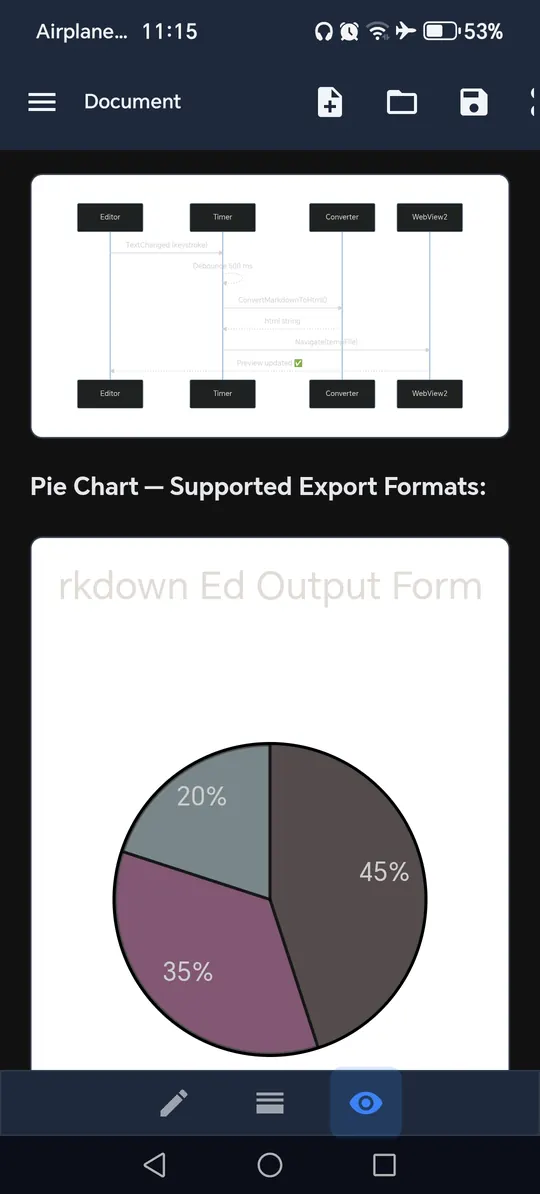
- Mermaid diagrams: flowcharts, sequence, class, state, Gantt, pie charts and mindmaps
- A helper menu inserts each diagram for you
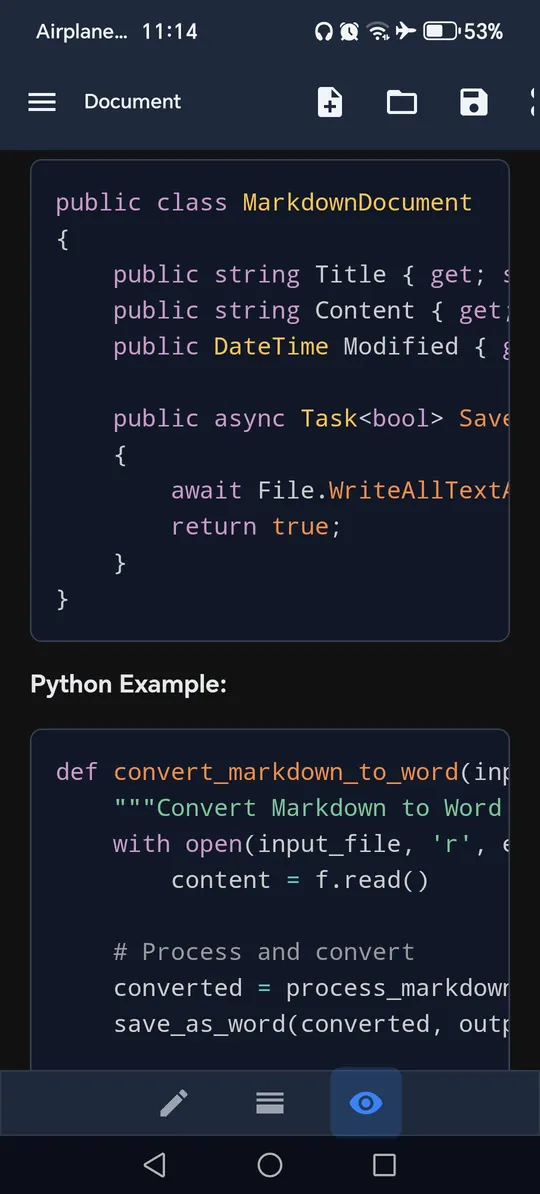
- Syntax highlighting in code blocks
Files and sharing
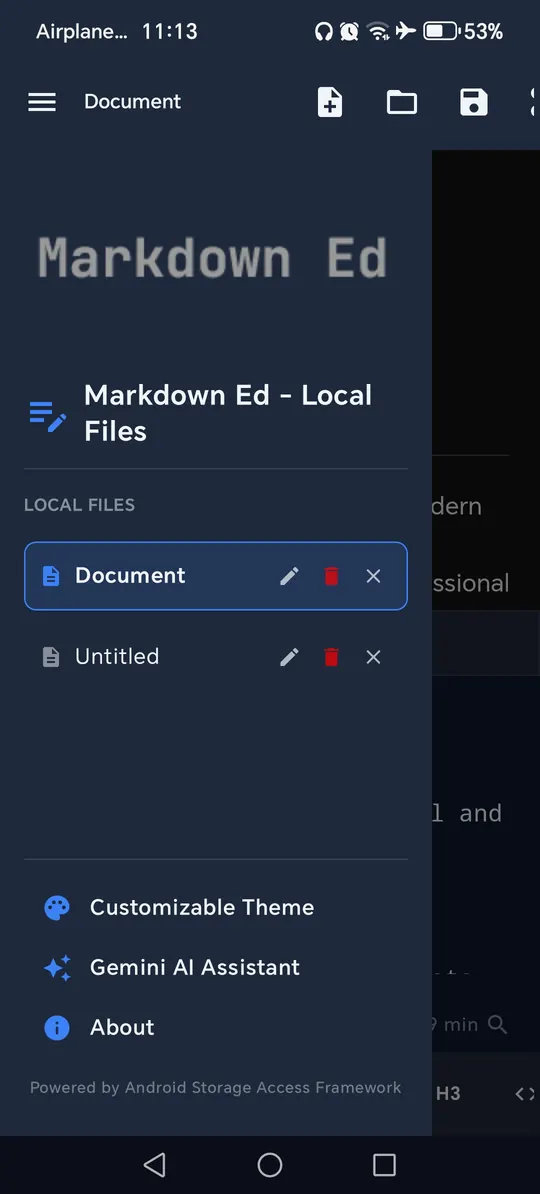
- Create notes in the app or open files from your storage
- Save as Markdown (.md)
- Print to PDF with Android’s print system
- Share as text or HTML with any app
- Link a file in Google Drive, OneDrive or Dropbox through the file picker
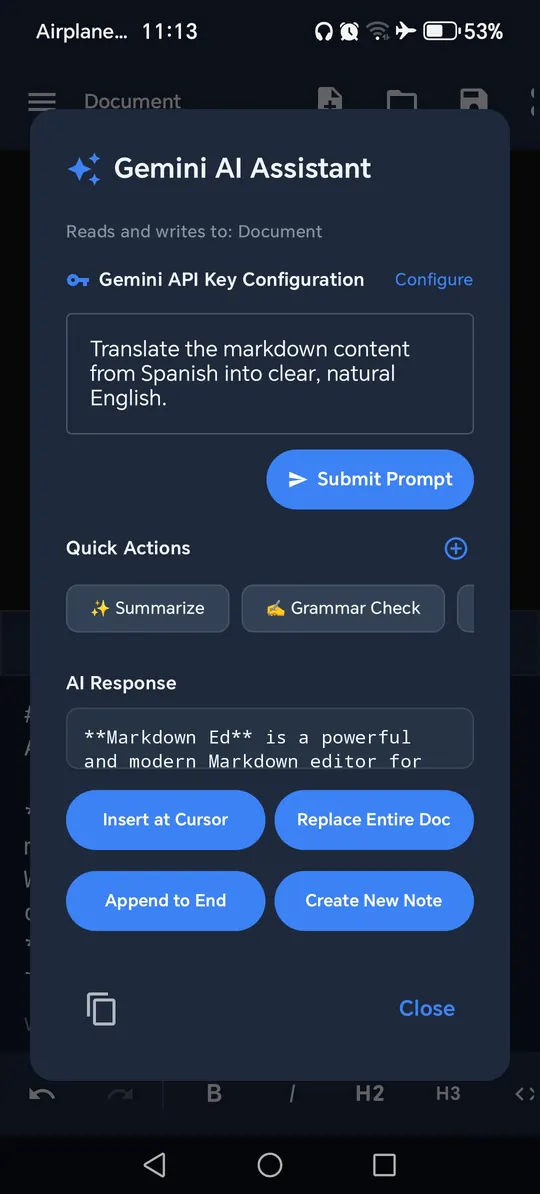
Gemini AI assistant
- Improve writing, fix grammar, summarize, translate or explain
- Insert, replace or append the result in your note
- Uses your own Gemini API key from Google AI Studio
- Optional. Nothing is sent until you run an action
Make it yours
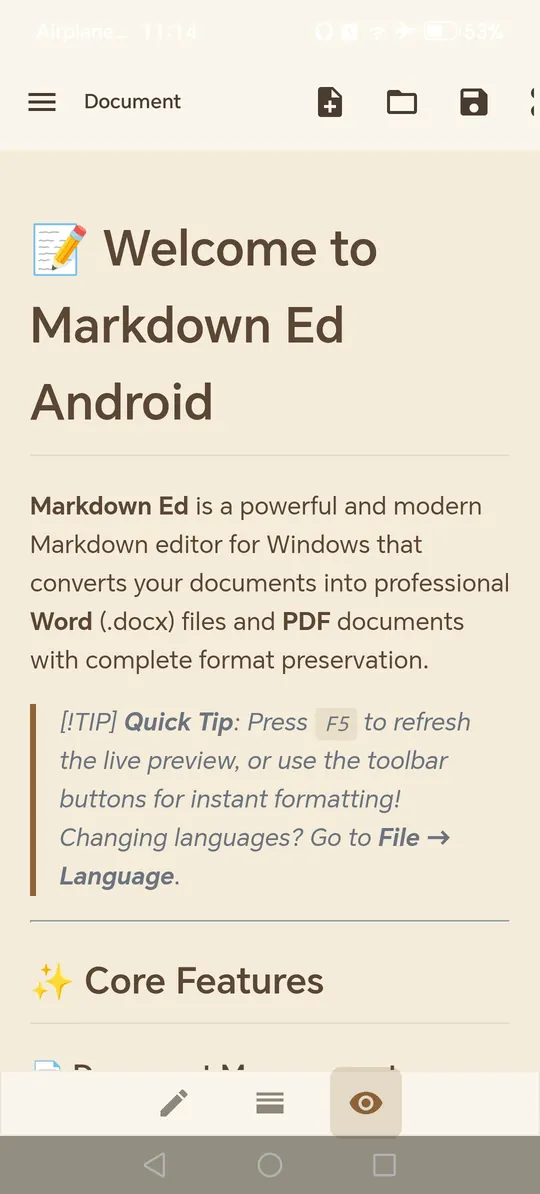
- Five themes: Default Light, Midnight Dark, Warm Sepia, Solarized Dark and Retro Emerald
- Follows your system setting if you like
- App language: English, French, German, Spanish, Italian, Portuguese, Russian, Chinese, Japanese and Arabic
Private by design
- No ads, no trackers and no account
- Notes are stored on your device
- We never receive your notes
- Read the privacy policy
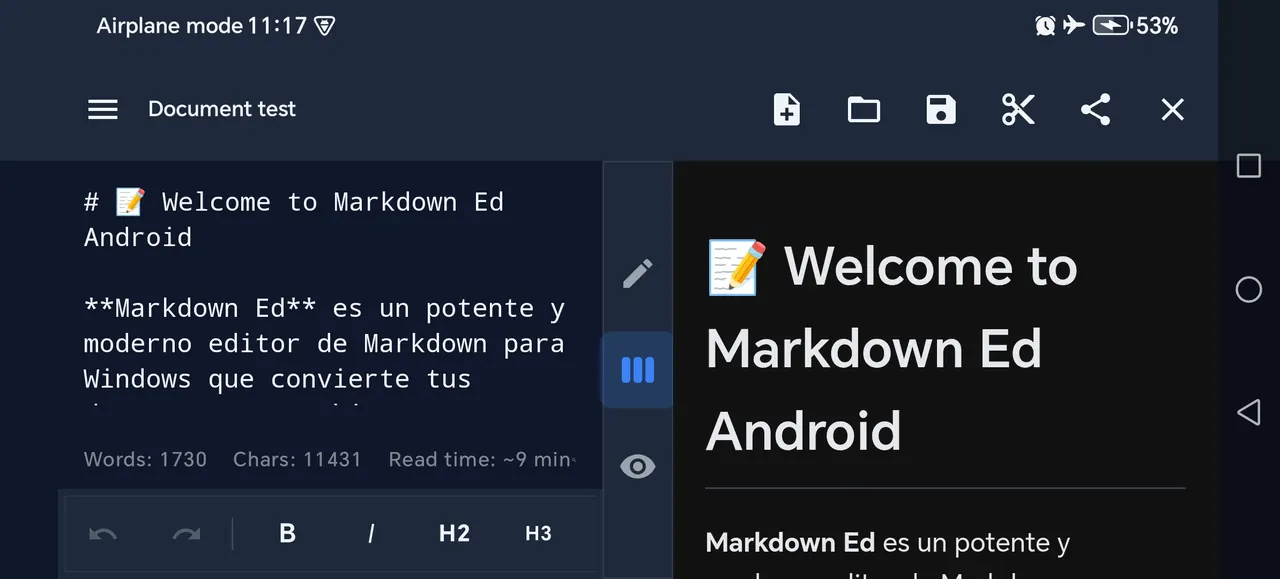
Landscape split view
Turn your phone sideways to edit on one side and preview on the other.
Android or Windows?
Both apps share the same idea. Here is how they differ.
| Android | Windows | |
|---|---|---|
| Get it on | Google Play | Microsoft Store |
| Price | Paid | Free (with ads) or Pro (paid) |
| Ads | None | Free edition only |
| Live preview, LaTeX math, Mermaid diagrams | Yes | Yes |
| Word (.docx) export | No | Yes |
| PDF export | Through Android’s print system | One click |
| Tables | Table generator | Visual table editor |
| Gemini AI assistant (your own key) | Yes | No |
| Import CSV and XLSX into a table | No | Pro |
| Interface languages | 10 | English and French |
Good to know
Do I need an account?
No. There are no accounts and no sign-in. Your notes stay on your device.
Does the app send my notes anywhere?
Not to us. The only time a note leaves your device is when you use the optional Gemini assistant. Then your prompt and the open note go straight to Google with your own API key. Nothing is sent until you run an action. Read the Android privacy policy for details.
Do I need an internet connection?
You can write and edit without one. The preview loads its math, diagram and code-highlighting components from the internet, so those need a connection. The Gemini assistant needs one too.
Can I export to Word on Android?
Not yet. On Android you can save notes as Markdown, print them to PDF with Android’s print system, or share them as text or HTML. Word (.docx) export is part of the Windows app.
Can I keep my notes in Google Drive, OneDrive or Dropbox?
Yes. Link a file stored in a cloud app through Android’s file picker, and your edits are saved back to it. The cloud app does the syncing, so install and sign in to it first.
Where do I get help?
Email fahdev@proton.me. We aim to reply within 48 hours.
Take your Markdown with you
Install Markdown Ed from Google Play and start writing.